WordPress Maintenance
& Security for a
Multi-Website
Professional Services
Network
A detailed look at how we maintain, secure and support a multi-website WordPress network with regular updates, backups, security hardening and ongoing technical support.
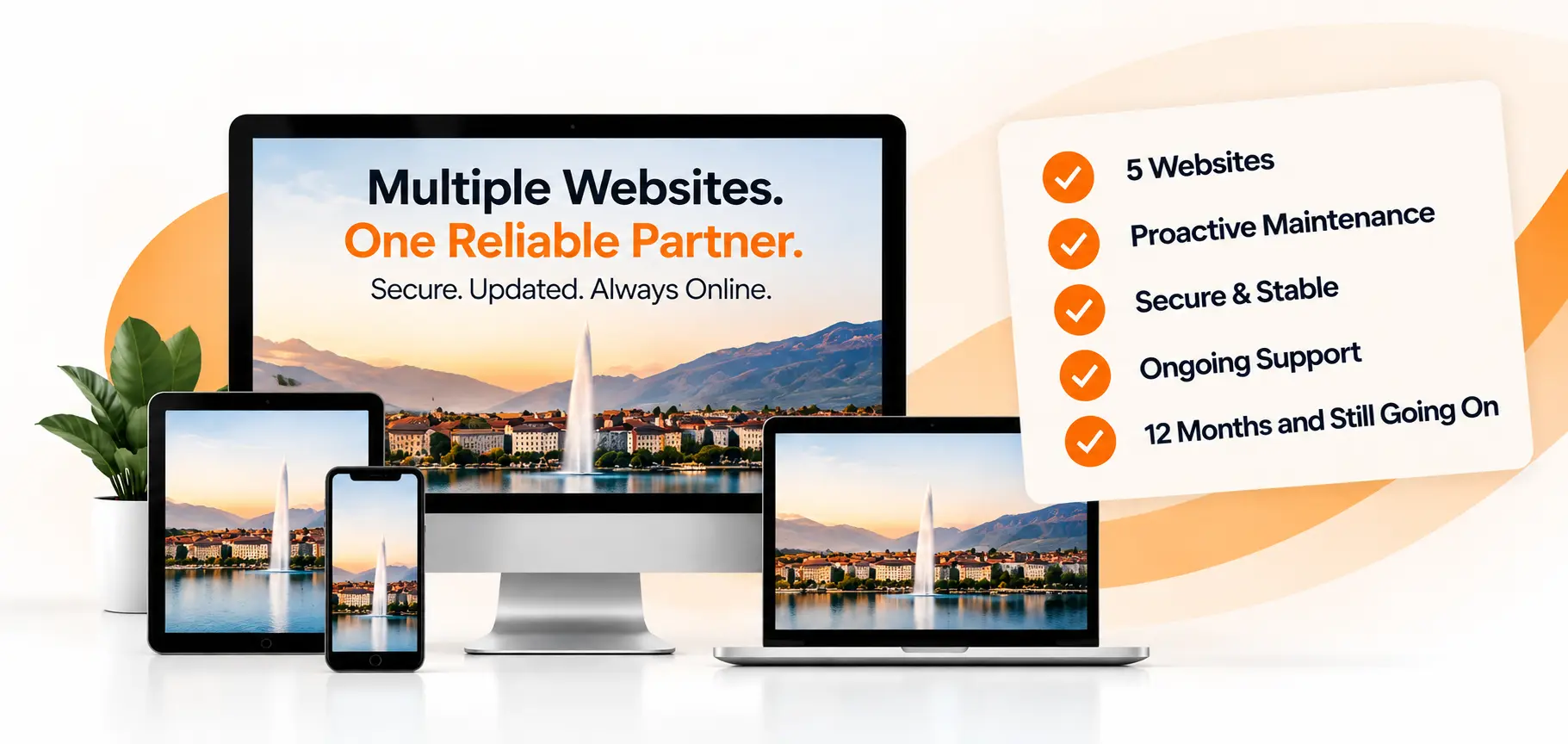
and Still Going On
Services
Security & Technical Support
WordPress Management
Project Overview
A professional services organization based in Geneva, Switzerland required ongoing technical management for a network of WordPress websites serving different areas of its business.
The project involved maintaining multiple websites simultaneously while keeping them secure, stable, updated, and fully functional.
Rather than treating each website as an isolated project, the maintenance approach focused on consistent WordPress support across the network, with updates, backups, security reviews, troubleshooting, and technical improvements handled as part of an ongoing maintenance process.
The network ultimately expanded to five websites, including a separate website undergoing development and migration work.
The Challenge
Managing several websites creates a different set of technical requirements compared with maintaining a single WordPress website. The key challenges included:
- Maintaining multiple WordPress installations simultaneously.
- Troubleshooting plugin compatibility problems.
- Keeping WordPress core and plugins updated.
- Maintaining contact and enquiry functionality.
- Protecting websites against security risks.
- Making approved frontend improvements without disrupting the existing design.
- Maintaining reliable backup and recovery points.
- Managing staging and production environments separately.
- Reviewing administrator access and security configuration.
- Supporting an additional website through development and migration.
- Verifying website functionality after updates.
One important requirement was to ensure that routine updates did not introduce downtime or functional problems.
Professional Services Organization
Geneva, Switzerland
Why Pegasus Digital Crew for Multi-Website WordPress Maintenance
Pegasus Digital Crew provided ongoing WordPress maintenance and technical support for a professional services organization in Geneva, Switzerland, supporting a network of five websites. The engagement covered regular WordPress updates, security hardening, backups and recovery, troubleshooting, performance improvements, administrator access management, functionality checks and ongoing technical support. The maintenance process was structured to keep the websites secure, stable, updated and operational while allowing additional development and migration work when required.
How Can Pegasus Digital Crew Manage and Secure Multiple WordPress Websites?
WordPress multi-website maintenance provides ongoing updates, security, backups, performance monitoring, troubleshooting and technical support across multiple WordPress websites. For a professional services network in Geneva, Switzerland, Pegasus Digital Crew provided ongoing WordPress maintenance and security management for five websites. The service included WordPress core, plugin and theme updates, security hardening, malware and vulnerability checks, administrator access reviews, backup and recovery management, technical troubleshooting, performance optimization and post-update functionality testing. Support also covered frontend improvements, content and functional changes, staging and production deployments, and development or migration work when required. This structured maintenance approach helped keep all five websites secure, stable, updated and operational while providing consistent technical oversight and support across the entire WordPress website network.
How We Helped This Client
Our ongoing maintenance and support over the last 12 months has helped keep the websites secure, stable and performing. Key areas of support included:
Regular Updates
Core, plugins and theme updates with careful testing.
Ongoing Troubleshooting
Quick identification and resolution of errors, bugs and issues.
Security Hardening
Firewall rules, malware scans, login protection and monitoring.
Performance Optimization
Database optimization, image optimization and server improvements.
Backup and Recovery
Automated backups, manual backups and quick recovery when needed.
Content & Functional Support
Updating content, fixing layout issues and supporting day-to-day requirements.
Other Important Things This Client Looked For
- Proactive communication and timely support
- Minimal disruption to their business operations
- Reliable backups and fast recovery when needed
- A secure and well-maintained website environment
- Expertise in troubleshooting and issue resolution
- Support for multiple websites under one plan
- Ability to handle development and migration work
- Clear maintenance reports after each cycle
- A long-term partner they can rely on
Our Process
A structured WordPress maintenance process was implemented across the website network.
Pre-Maintenance Protection
Full website backups were created before making any changes.
Controlled Updates
WordPress core and available plugins were updated as part of scheduled maintenance.
Post-Update Verification
Websites were checked for homepage, navigation, key pages, forms, SSL, accessibility and general functionality.
Backup After Maintenance
A second full backup was created after successful maintenance, with a detailed report.
Security Hardening
Security was treated as an ongoing part of the WordPress maintenance process.
Two-Factor Authentication
Enabled for administrator accounts across the website network.
Administrator Configuration
Standardized admin email and reviewed account access and permissions.
Remove Unnecessary Remote Administration
ManageWP Worker plugin was removed to reduce third-party access.
Security Monitoring
Shield Security was used and scanner findings were reviewed manually to avoid false positives.
Additional Work
In addition to regular maintenance, several other technical tasks were completed.
Troubleshooting & Compatibility
Plugin and theme compatibility issues were identified and resolved, including WP Rocket and JS/CSS issues.
Form Migration
Enquiry forms were migrated to Monday.com embedded forms across the websites.
Frontend Improvements
CSS and JavaScript issues were resolved and approved frontend improvements were implemented.
Development & Migration
A separate website was supported through development and migration, including configuration and setup in the new hosting environment.
Before & After
A more secure, stable and structured WordPress maintenance process across the website network.
Before
- Websites managed separately
- Inconsistent update process
- Higher risk of plugin/theme conflicts
- Limited backup and recovery process
- Multiple admin access points
- Manual troubleshooting and fixes
- No structured reporting
After
- Centralized WordPress management
- Regular updates with testing
- Improved plugin and theme stability
- Automated and manual backups
- 2FA enabled and standardized access
- Faster issue resolution and support
- Clear maintenance reporting
The Results
The ongoing maintenance and support delivered several important outcomes.
And Still Going On
Maintenance Cycle
For Admin Accounts
Security & Stability
Technical Support
More stable and reliable websites across the network
Reduced security risks and better protection
Faster resolution of technical issues
A trusted long-term maintenance partner
Key Takeaways
The maintenance approach created a more consistent and reliable WordPress environment.
Consistent Maintenance
A structured maintenance process is essential for multi-website networks.
Security & Backups
Security, backups and updates should be handled consistently and carefully.
Ongoing Support
Ongoing support allows business websites to remain stable, secure and ready for growth.
Long-Term Partnership
Having a long-term technical partner reduces risk and provides peace of mind.
These WordPress maintenance and technical support activities were performed and managed by Pegasus Digital Crew throughout the engagement.
What WordPress Multi-Website Maintenance Involves
Ongoing maintenance across the five-website network focused on security, reliability, updates, backups, performance and technical support.
WordPress
Core Updates
Plugin & Theme
Updates
Security
Hardening
Malware &
Vulnerability Checks
Backup &
Recovery
Administrator
Access Reviews
Technical
Troubleshooting
Performance
Optimization
Post-Update
Testing
Staging, Deployment
& Migration
Why This Project Required Structured WordPress Management
- Managing maintenance across five WordPress websites
- Maintaining security and administrator access controls
- Applying updates with post-update functionality testing
- Maintaining reliable backup and recovery processes
- Troubleshooting technical and compatibility issues
- Supporting frontend, content and functional changes
- Handling staging, production and migration work
Need WordPress Maintenance for Multiple Websites?
Let's discuss how Pegasus Digital Crew can help keep your WordPress websites secure, updated, stable and supported.
For another example of advanced WordPress maintenance and technical management, see our Complex WooCommerce Maintenance Case Study , covering three production WooCommerce websites with extensive custom code, integrations and ongoing technical support.